Text
Any installed font, bold or italic. Spacing adds room after every letter; negative draws them closer.
Tool · Tools tab
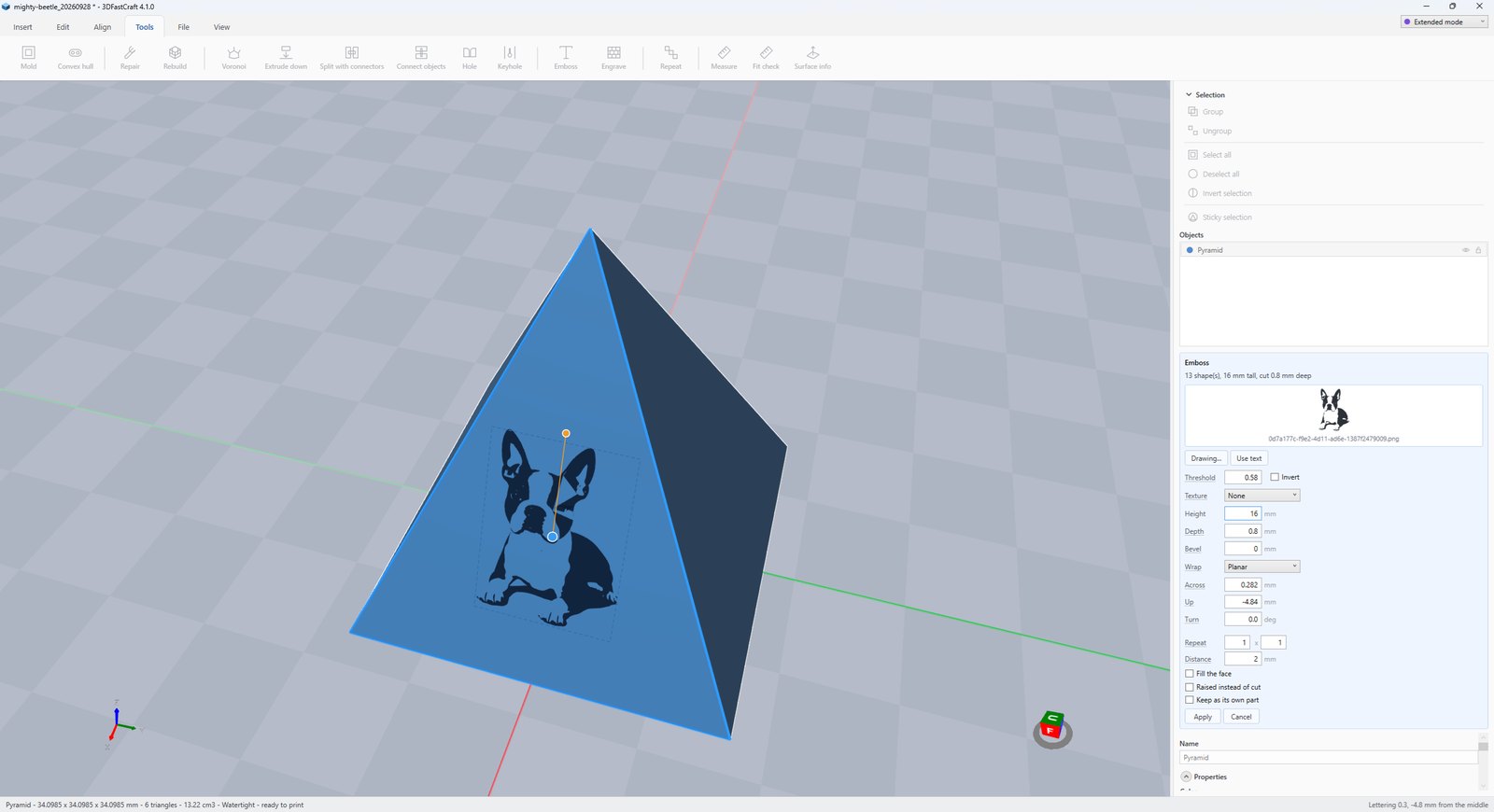
Emboss puts lettering, an SVG drawing or a picture (PNG, JPEG) on a face — cut in or raised, flat or wrapped round a barrel or a ball. Keep it as a part of its own to print it in a second filament.
Any installed font, bold or italic. Spacing adds room after every letter; negative draws them closer.
The filled shapes of an SVG, or the dark parts of a picture. In a picture with transparency, whatever is not transparent is stamped.
How dark counts as ink, from 0 to 1. Invert stamps the light parts instead — for a pale logo on a dark ground.
How deep it is cut, or how far it stands proud. Bevel slopes the walls, so raised lettering has no step to bridge and cut lettering is not a slot one line wide.
Flat on the face, or bent round the object as a barrel or a ball.
Where it sits from the middle of the face, and which way it runs, in degrees.
Copies across the face and rows up it, a distance apart. Fill the face covers it with as many as fit; wrapped round a part, the spacing adjusts so there is no seam.
Raised instead of cut stands it off the face. Keep as its own part makes it a separate part on the next filament: cut, it comes back as a plug that fills the recess.
More tool guides: Cladding · 3D textures · Windows · Doors · Mold · Voronoi · Connectors · Align to face · Fill up · Pivot · Kit sprue · Repair and Rebuild · History and versions · Printer profile · Download 3DFastCraft, free