Single
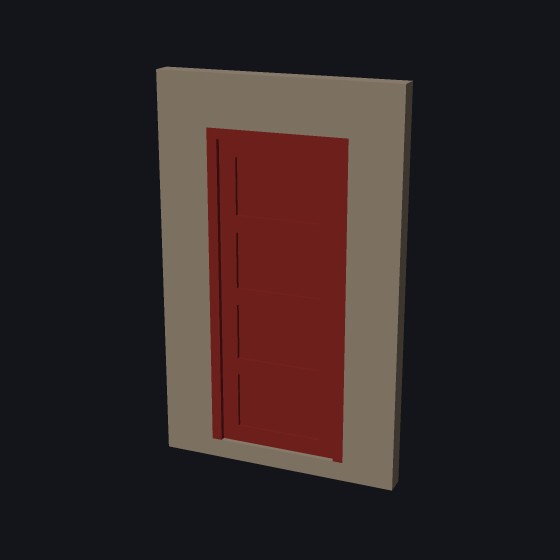
One leaf with panels sunk into its face. Set how many panels there are, 1 to 6, and how deep they are sunk.
Shown at 11 × 25 mm, four panels
Library · Buildings
The Door part makes a printable door in its frame: single, double, French or Dutch, square or arched, plain, paneled or glazed. Add sidelights and a fanlight, and the glass comes as a part of its own to print in clear filament.
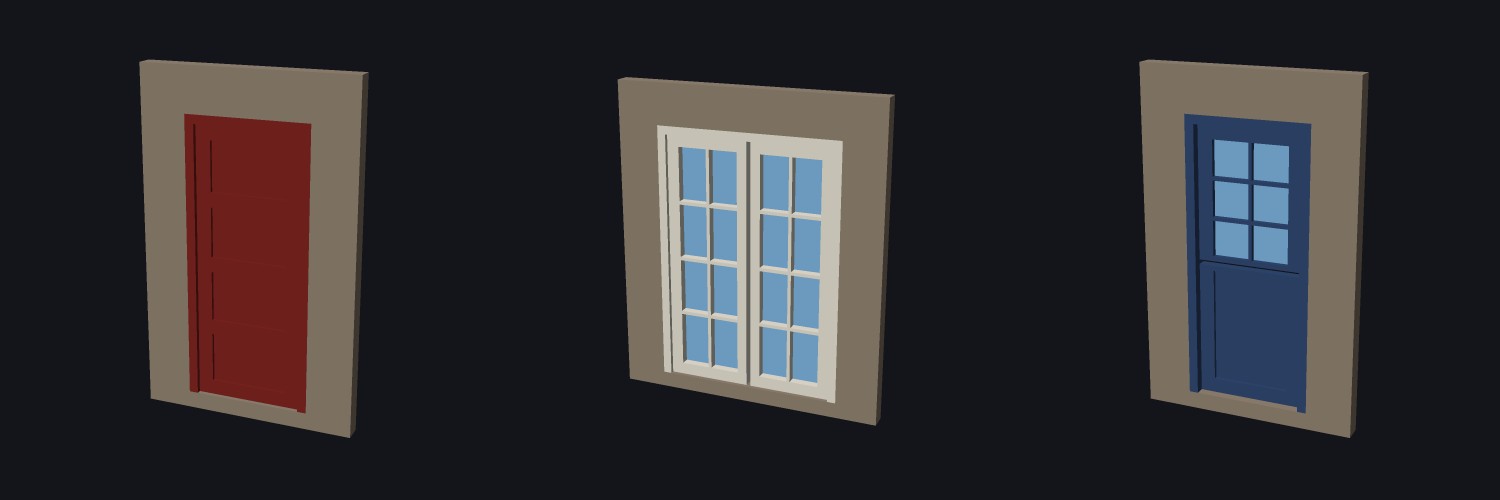
One leaf with panels sunk into its face. Set how many panels there are, 1 to 6, and how deep they are sunk.
Shown at 11 × 25 mm, four panels
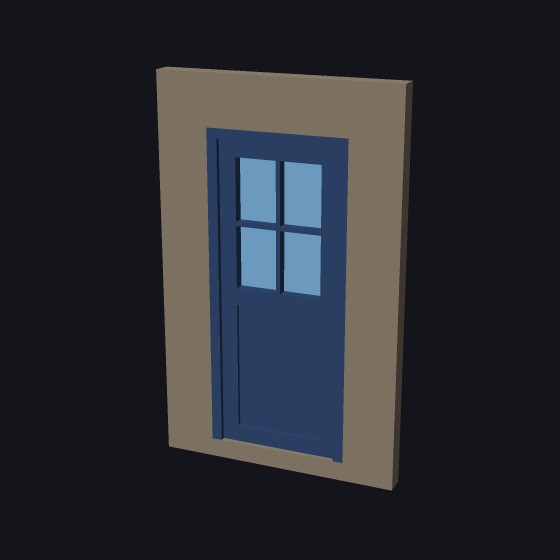
Glass in the top panels, divided by bars. Choose how many panels are glazed, counted from the top, and how many panes across and up.
Shown with two panels, the top one glazed, two by two panes
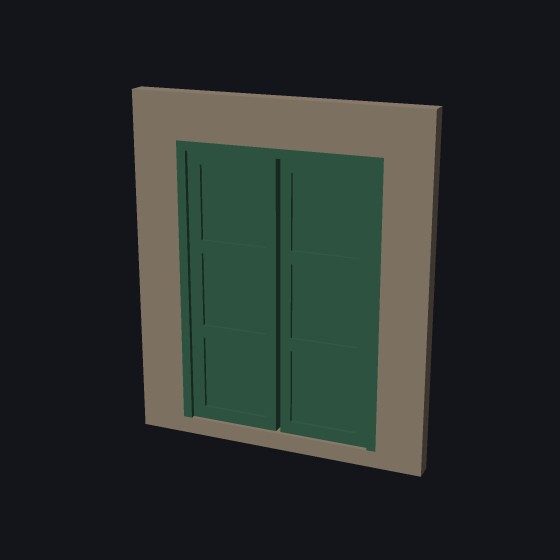
Two leaves side by side, each with its own panels. For a wide entrance.
Shown at 18 × 25 mm, three panels each
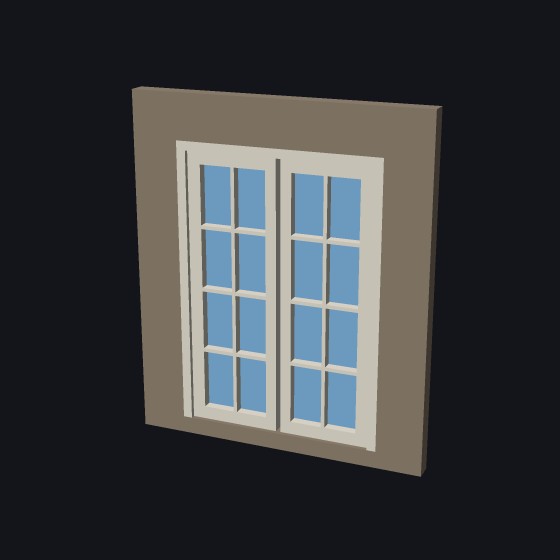
Two leaves, glazed from top to bottom and divided into small panes. The glass is a part of its own.
Shown at 18 × 25 mm, two by four panes each
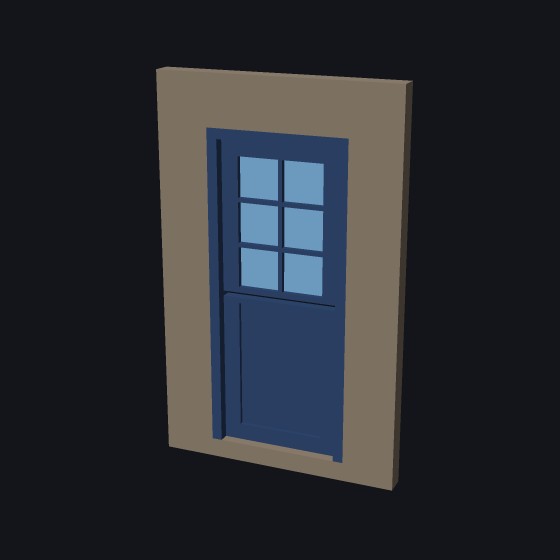
A stable door: split across the middle, so the top half can open on its own. The leaf is set further back in its frame, which is what tells a stable door from a plain one at model size.
Shown with a split, a glazed top, set back 0.8 mm
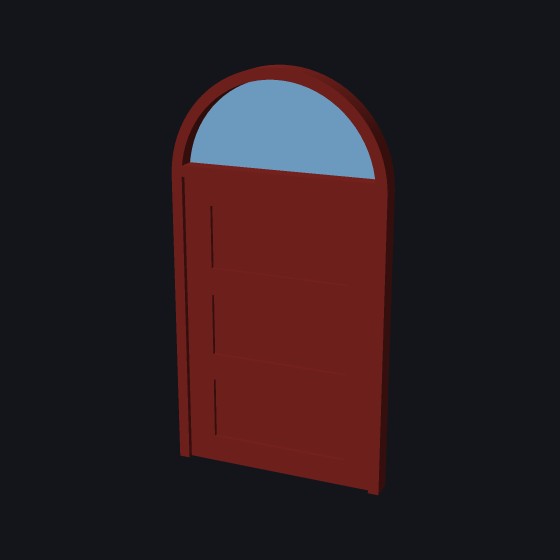
An arched top, round or shallow (set the rise), and a fanlight under the arch. The transom is the glazed panel over the door.
Shown at 16 × 30 mm, a 6.4 mm fanlight
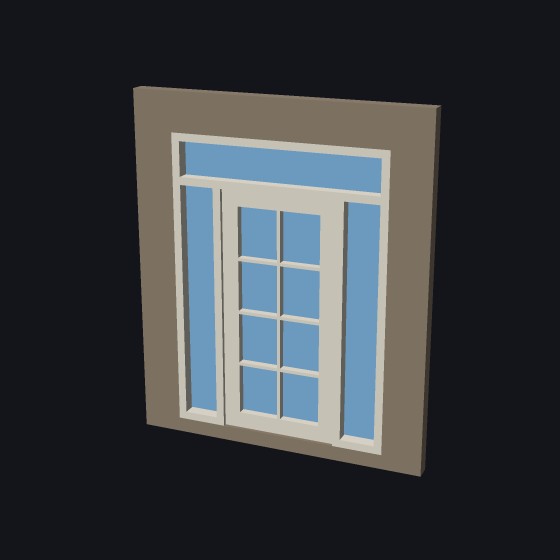
Add sidelights, fixed glazed panels beside the door, one on the left or one on each side, and a transom over it. Together they make a full entrance.
We assume you print the door with its facade side up. Tick Lay flat to print and the door lies on its back, facade up. The glass is the first layers on the plate, in clear filament, so the glass can be one filament change. The frame and leaf are one part and print as one.
You can have the glass as panes in the openings or as one clear sheet across the back of the door. Or switch it off, and the glazed panels, sidelights and transom stay open.
The outside of the frame, from the floor to its top.
Square, or arched. The rise is how far the arch lifts above its sides: 0 or half the width for a round arch, less for a shallow one.
How wide the frame is seen from the front, and how deep it is into the wall.
How far the door itself sits back from the face of the frame.
Plain, paneled, or glazed at the top.
How many panels, one above another, and how deep they are sunk into the leaf’s face.
How many panels, counted from the top, have glass in them.
The bars in each glazed panel.
One or two leaves. Split makes a Dutch door, with the top half opening on its own.
Fixed glazed panels beside and over the door. Set the sidelight width and the transom height. 0 for none.
Panes in the openings, or one sheet across the back. Off leaves them open. Thickness: two or three layers is usual.
On its back, facade up. Off, the door stands as it goes in the wall.
More tool guides: Cladding · 3D textures · Windows · Mold · Voronoi · Connectors · Align to face · Fill up · Pivot · Download 3DFastCraft, free