Fixed
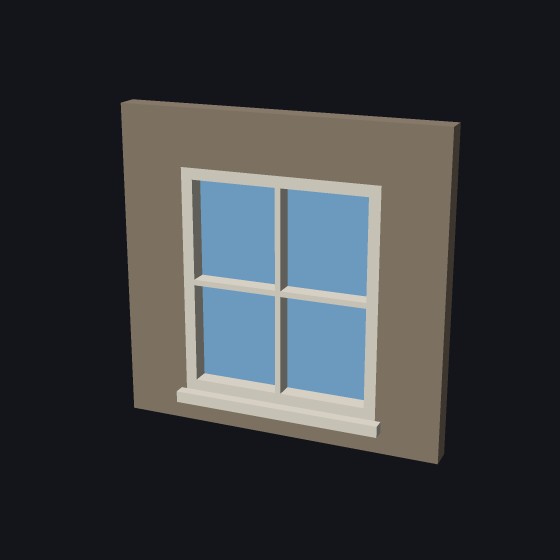
A frame with glass that does not open. Panes across and up, glazing bars, a sill. This is the window as it was before the other types: windows made earlier open as Fixed.
Shown at 14 × 16 mm, two by two panes
Library · Buildings
The Window part makes a printable window for a model house, a dollhouse or a railway layout: fixed, single hung, sliding or casement, with muntins, a sill, an architrave and false shutters. Type its size at your model’s scale. Print it on its back, facade up, with the glass on the plate.
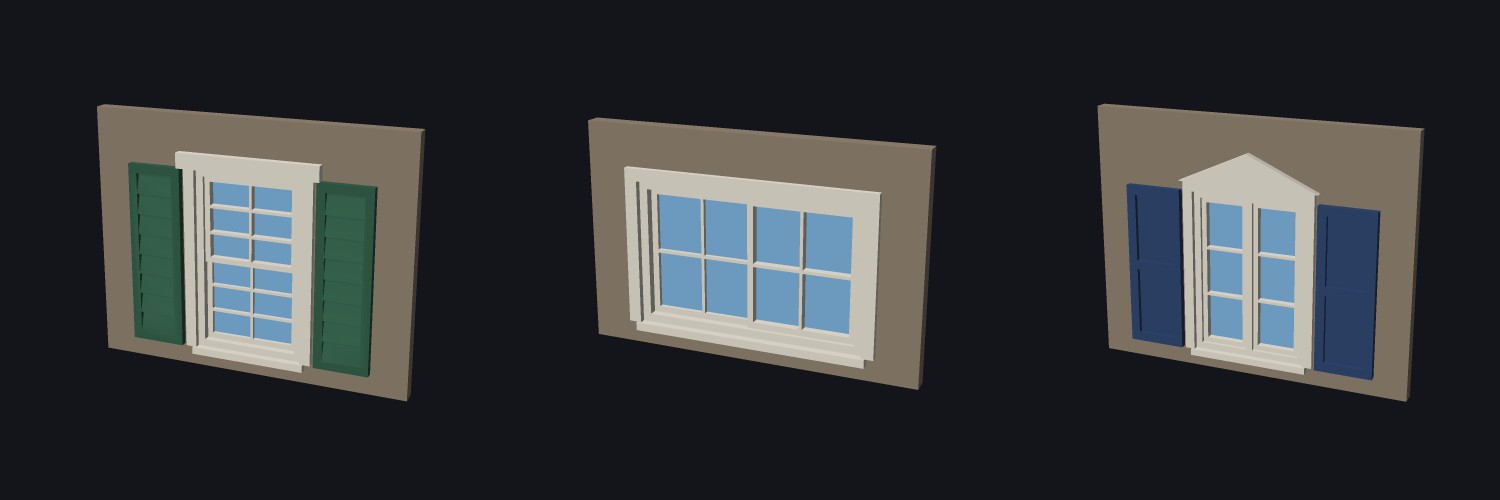
Choose the Type first. A single hung window asks for its sashes, a casement window for its casements, a fixed window for its shape.
A frame with glass that does not open. Panes across and up, glazing bars, a sill. This is the window as it was before the other types: windows made earlier open as Fixed.
Shown at 14 × 16 mm, two by two panes
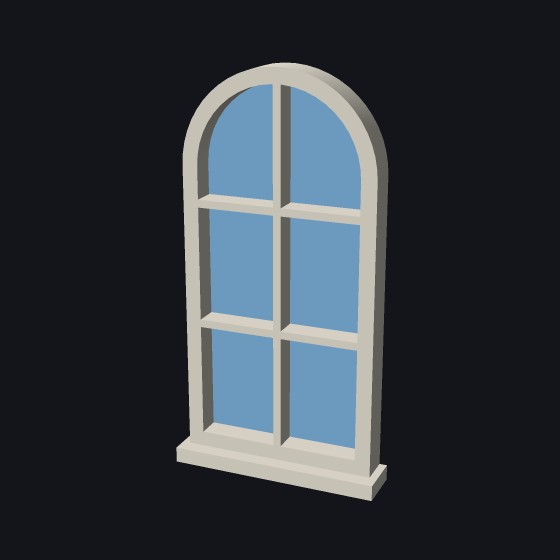
Only Fixed has the Shape choice: arched top, half round, round, or a bow (half an octagon). The other types are square.
Shown arched, 10 × 20 mm, two by three panes
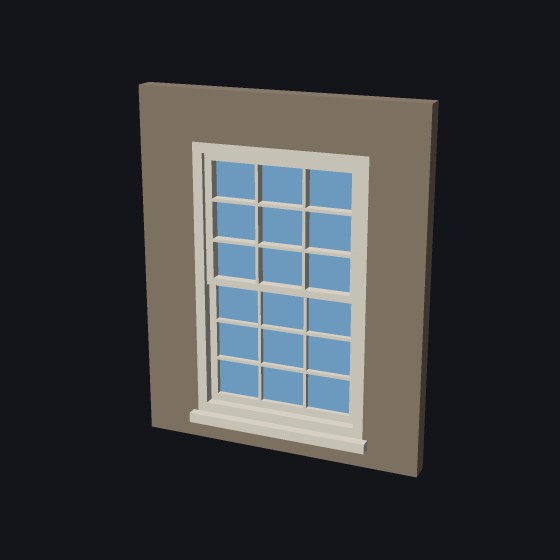
Two sashes, one above the other. They overlap by one rail in the middle and stand at different depths, so the meeting rail shows. The upper sash is in front, as on a box sash window. A switch puts the lower one in front.
Shown at 14 × 22 mm, three by three lights in each sash
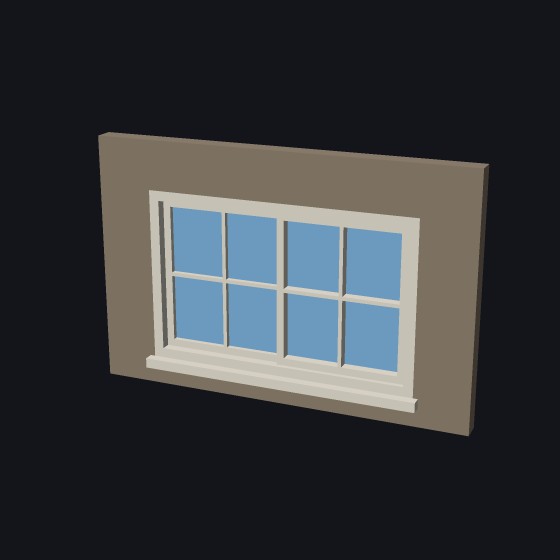
The same idea, with the sashes side by side and the meeting stile in the middle. The left sash is behind by default. A switch puts it in front.
Shown at 22 × 14 mm, two by two lights in each sash
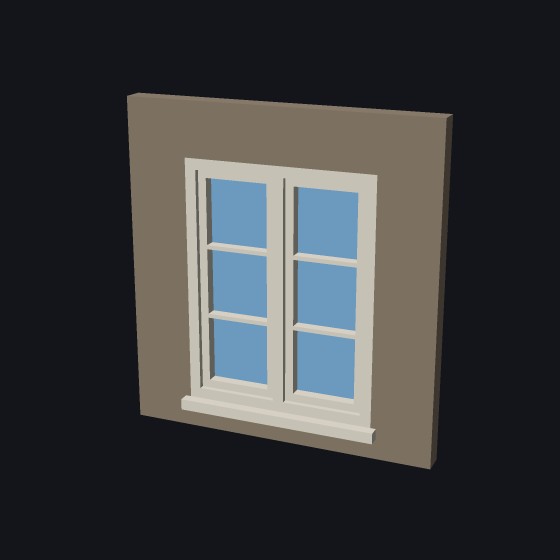
One to four casements side by side. Each is a sash set back in the frame. With two or more, a mullion stands between one casement and the next.
Shown at 14 × 18 mm, two casements, one by three lights
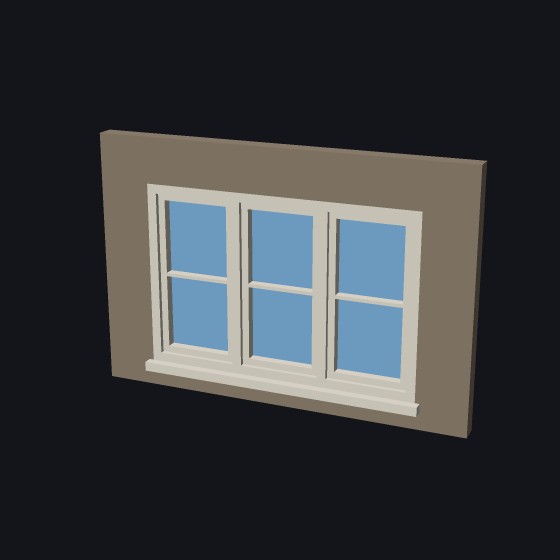
A wide window made of three casements. The mullions are the bars of the frame between them. The width of each casement is worked out for you.
Shown at 24 × 16 mm, one by two lights each
Muntins are the thin bars that divide a sash into small panes of glass. The panes are called lights. Some people call the bars grilles. A “six over six” window has two sashes with six lights each.
On the three new types you set Lights across, Lights up and Muntin width, and the same lights go into every sash. On a Fixed window the same thing is called Panes and Glazing bars.
The architrave is the trim on the wall around the window. Choose a style, then its width and how far it stands out from the wall. It is a part of its own, so you can print it in another color.
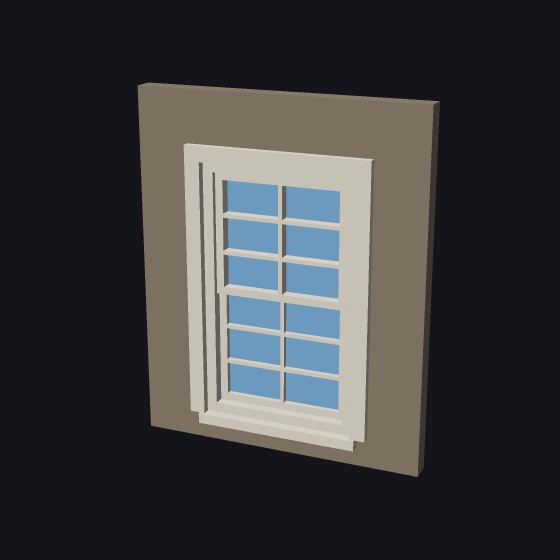
A band of trim down each side and across the head.
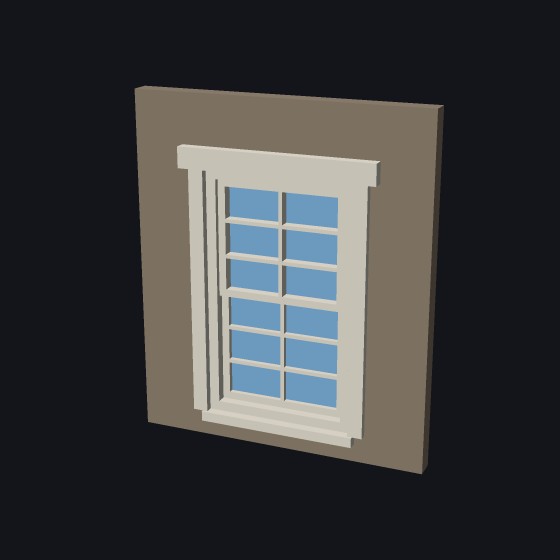
The sides, and a heavier bar over the head. The lintel is wider than the sides and stands out further.
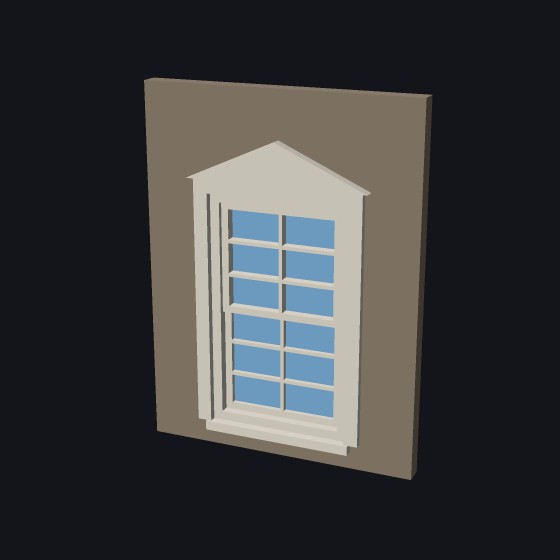
A band across the head with a triangle on top, like a small gable.
False shutters are fixed to the wall beside the window. They do not move. Choose Pair, Left only or Right only. Each shutter is a part of its own.
Width is each shutter’s width. 0 means half the window’s width, as they would be if they closed. If the window has trim, the shutters stand outside it.
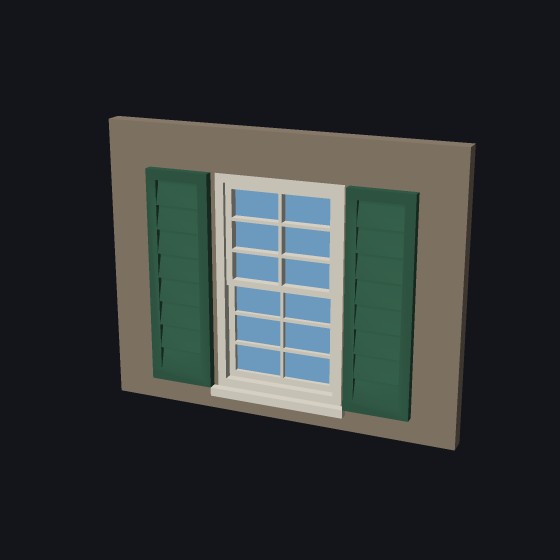
Slats that slope down toward you, as on a real louvered shutter. Set how many slats.
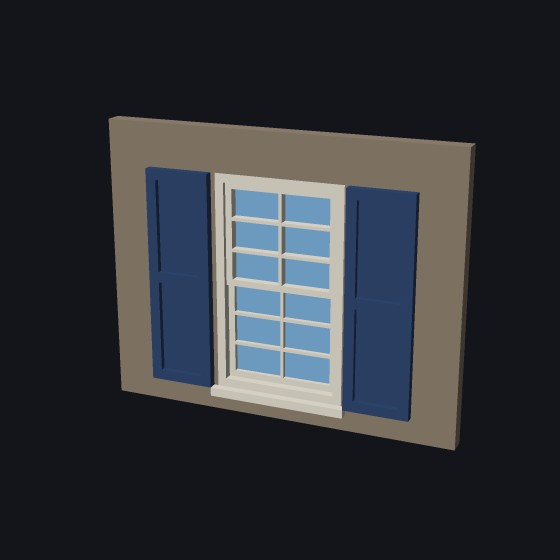
A frame with panels sunk into it, one above the other. Set how many panels, 1 to 4.
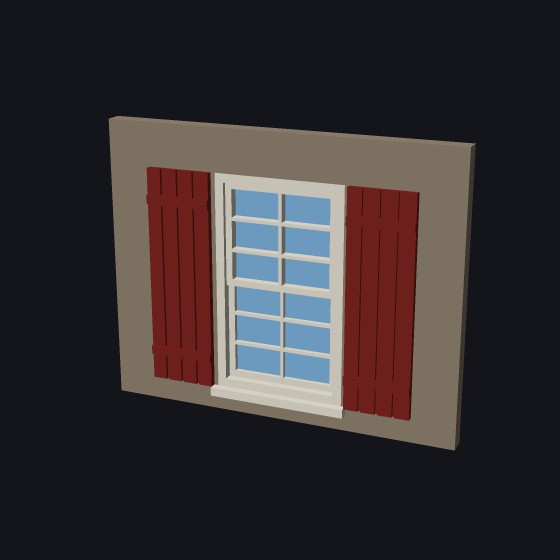
Vertical boards with a groove between each, and two battens across them. Set how many boards.
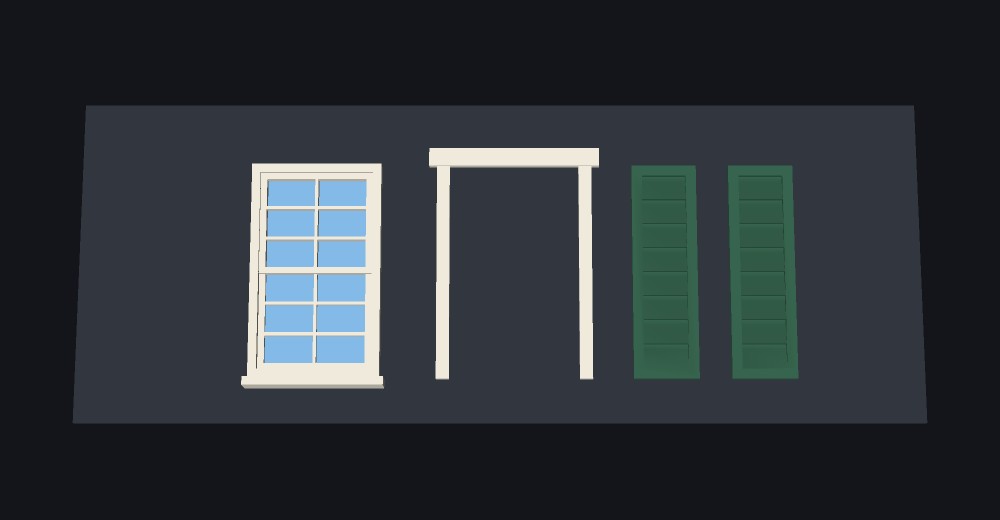
We assume you print the window with its facade side up. Tick Lay flat to print and the window lies on its back, facade up. The glass is the first layers on the plate, in clear filament. Every bar stands up from the plate to its own level, so nothing prints over air. The two sashes are stepped, not floating.
The trim and the shutters lie beside the window, each on its back. Glue them to the wall around the window once they are printed.
The outside of the frame. Trim and shutters are extra, outside it. The panel reads out the overall width when you add them.
How wide the frame is seen from the front, and how deep it is into the wall. Make Depth the thickness of your wall.
How wide a sash’s own frame is: its stiles and rails.
Set back is how far the sashes stand back from the face of the frame. Step is how far the sash behind stands back of the one in front. They are checked against the glass thickness.
How many casements, 1 to 4, and how wide the bar between them is.
How many panes across and up in each sash, and how wide the bars between them are.
A sill under the frame, a little wider than it, standing out in front. Off for none.
How wide the architrave is seen from the front, and how far it stands out from the wall.
Each shutter’s width, the gap between it and the frame or trim, and how far it stands out.
Panes in the openings, or one clear sheet across the whole back of the window. Off for the frame alone. Thickness: two or three layers is usual.
Which of the two sashes stands in front. The one behind is shown a step back.
On its back, facade up, with the trim and shutters beside it. Off, the window stands as it goes in the wall.
More tool guides: Cladding · 3D textures · Doors · Mold · Voronoi · Connectors · Align to face · Fill up · Pivot · Download 3DFastCraft, free