Separate pins
Holes in both halves, and separate pins printed lying down, which is strongest. A broken pin is a reprint, not a lost half.
Tool · Tools tab
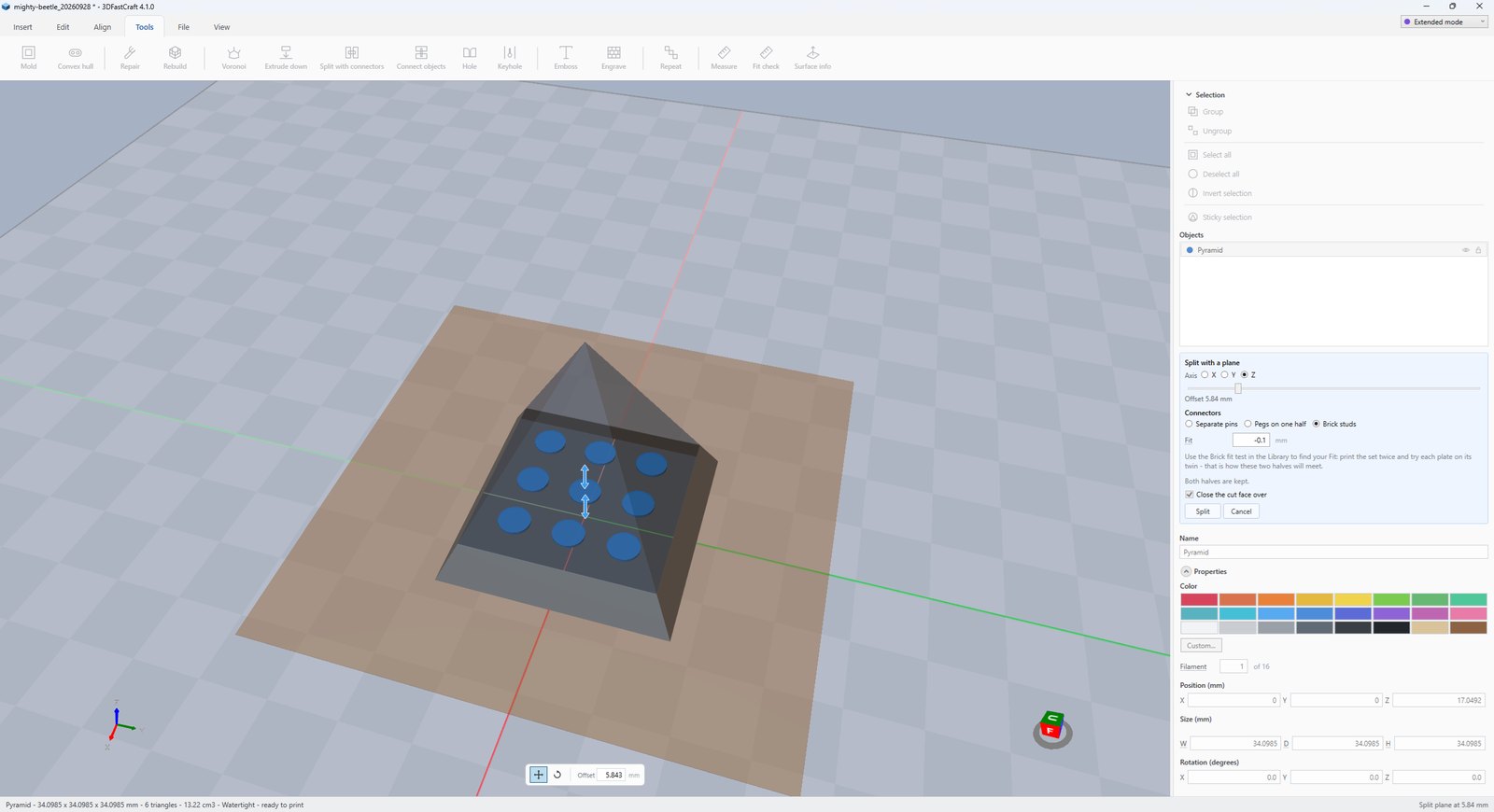
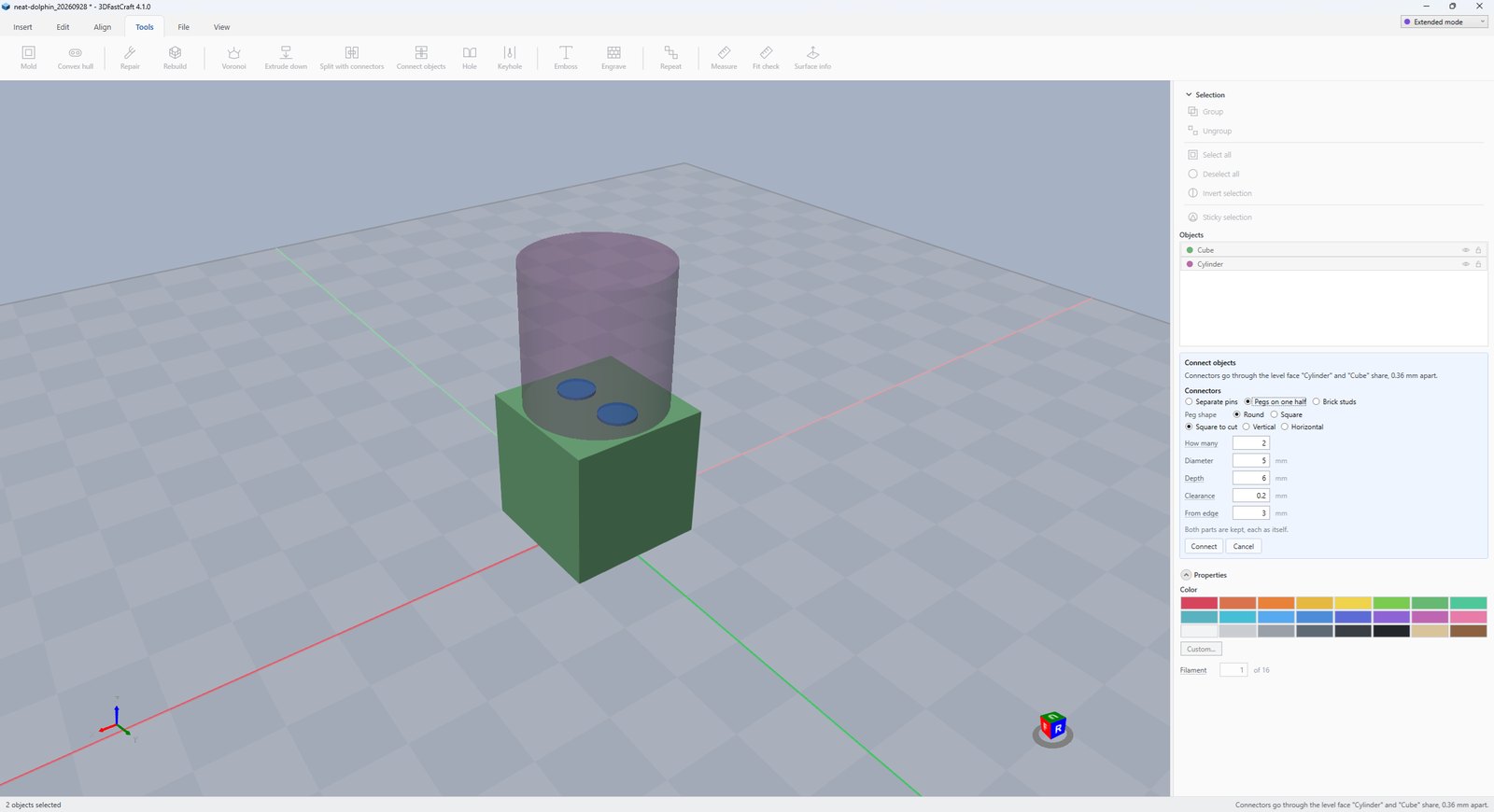
Two tools, one idea. Split with connectors cuts a part that is too big for the plate into halves that go back together one way only. Connect objects does the same for two parts that already rest on each other. The connectors are pins, round or square pegs, or brick studs.
Holes in both halves, and separate pins printed lying down, which is strongest. A broken pin is a reprint, not a lost half.
Pegs standing up out of one half, and sockets in the other. Nothing loose to lose. Round pegs in round sockets: use two or more, since one round peg lets the halves turn. Square pegs in square sockets: one is enough to align the halves.
Studs on the lower half and a brick underside on the upper, on the 8 mm grid. The halves grip each other and take real bricks at the join. Line up the edges by eye.
At most this many. They go only where there is solid all round them, as far apart as they will fit.
The width of a round pin or peg. For a square peg, the length of a side.
How far a connector goes into each half.
Per side, as for Subtract. A 5 mm pin with 0.2 mm goes into a 5.4 mm hole.
Material left between a hole and the edge of the part. Connectors spread out until this much is left. A wall that is too thin can split.
Keeps the connectors square to the cut face, whichever way the plane is turned.
How much larger the studs, tubes and walls are made, on both halves. −0.1 mm on each gives about 0.2 mm of play. Try −0.1 for PLA and −0.15 for PETG.
After a split, the cut face can be closed over.
More tool guides: Cladding · 3D textures · Windows · Doors · Mold · Voronoi · Align to face · Fill up · Pivot · Download 3DFastCraft, free